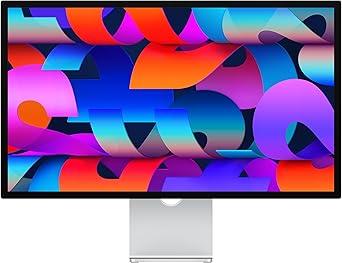
Display
Monitors & Projectors in Kenya – Buy Displays from NexaTech
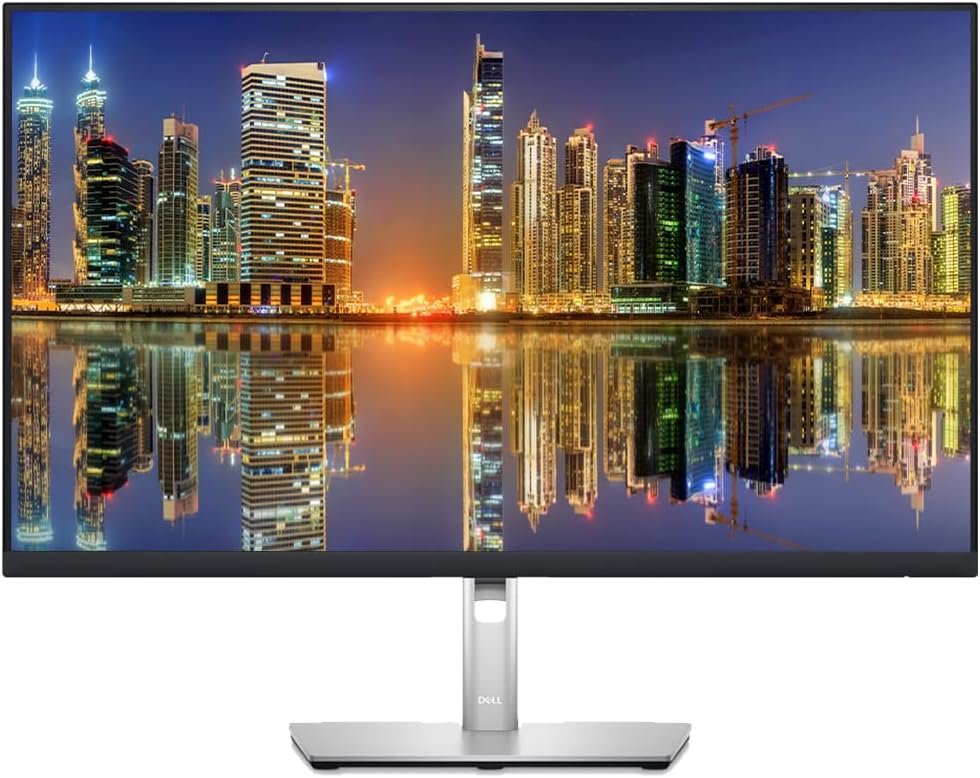
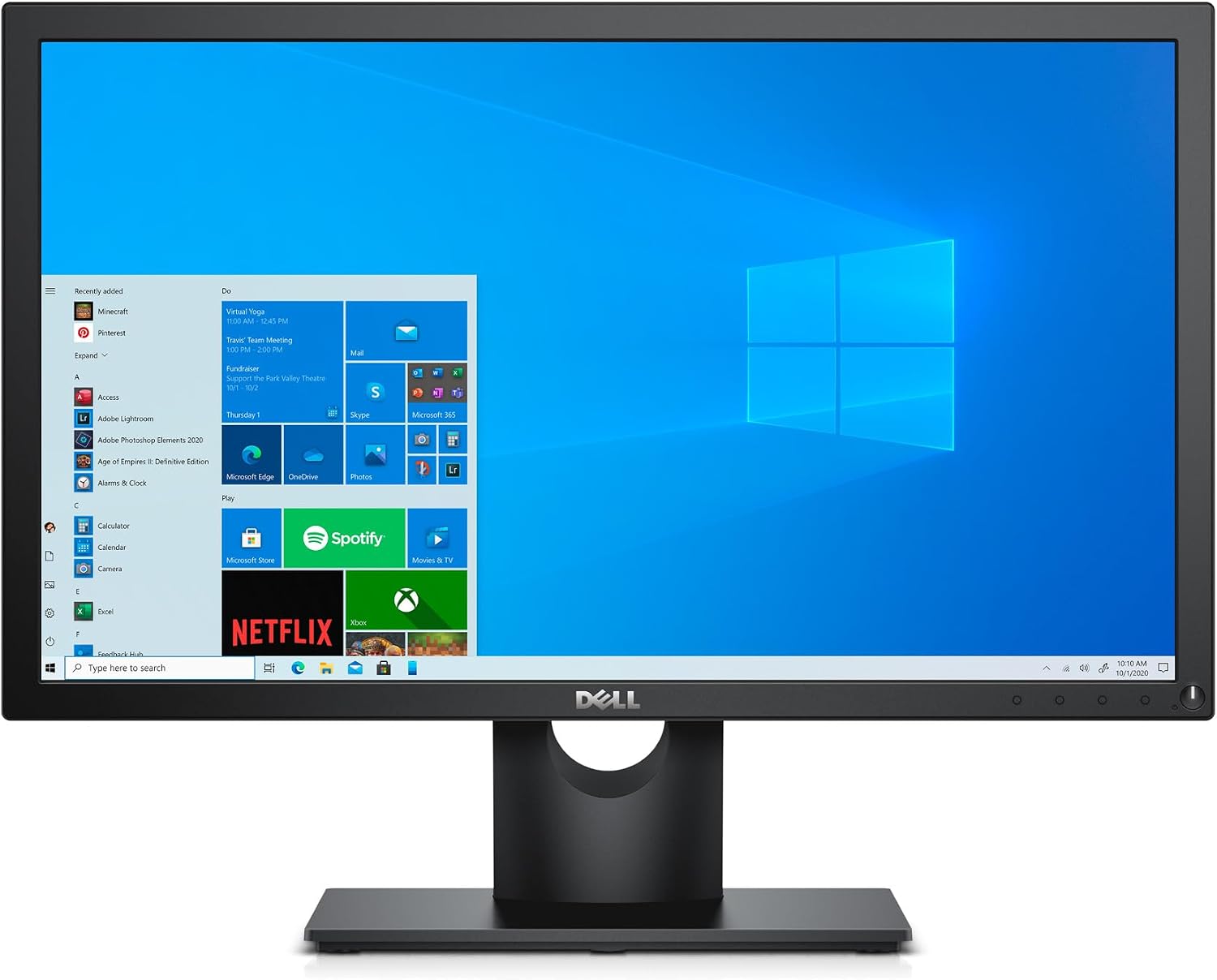
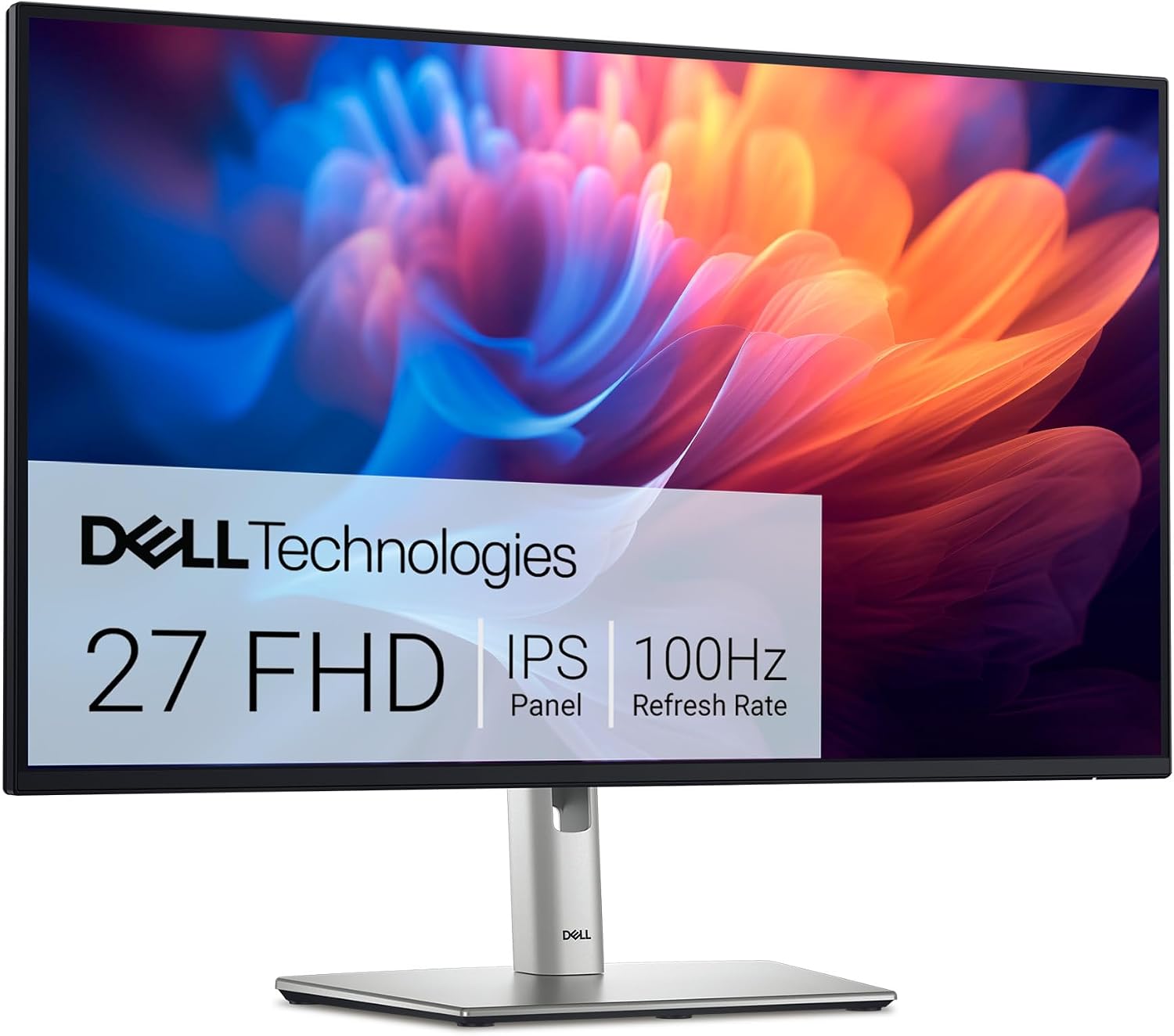
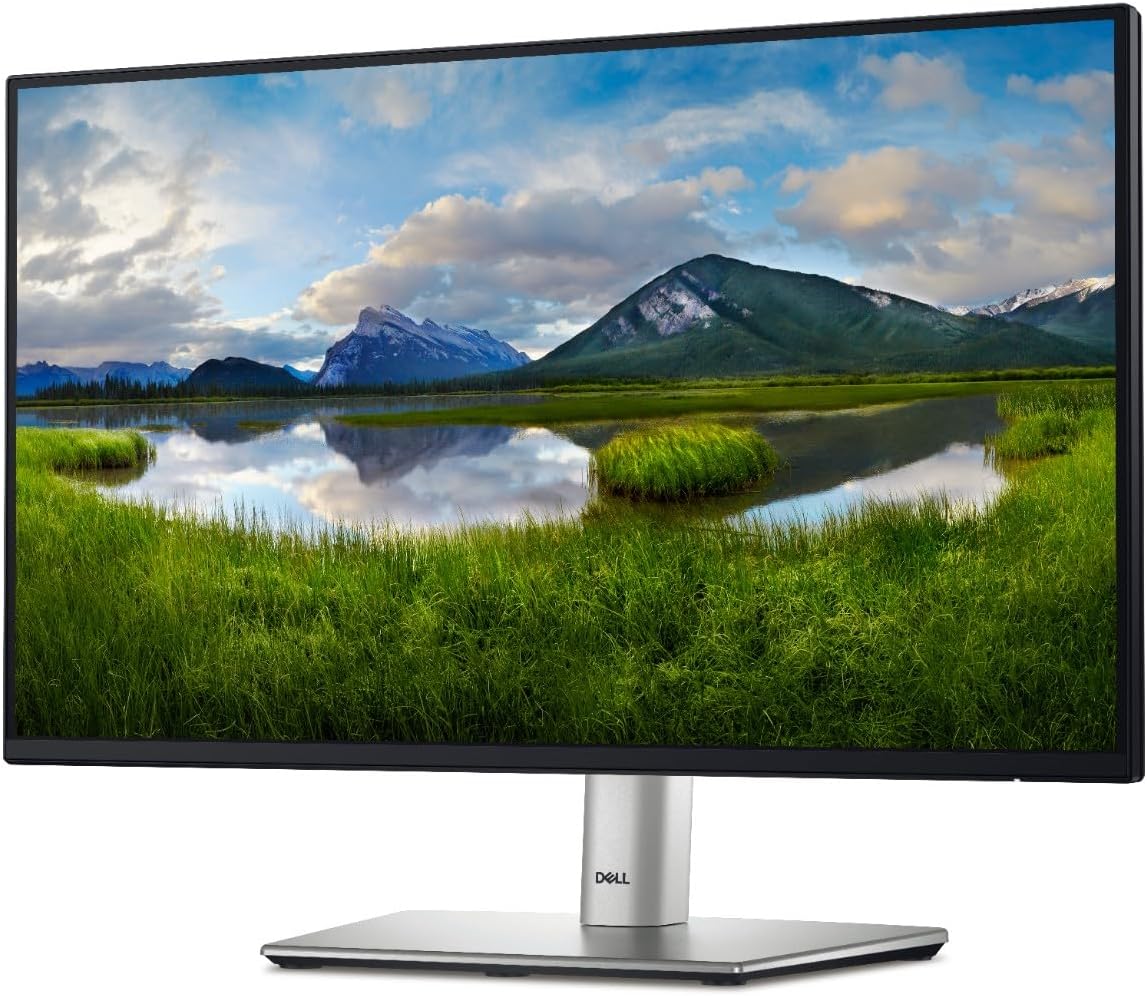
Find the right monitor or projector in Kenya for work, gaming, business, education, entertainment, and professional presentations at NexaTech. Our range includes monitors from multiple leading brands and projectors designed for different environments, applications, and budgets.
Whether you need a reliable computer monitor for the office, a high-performance gaming display, a professional monitor for creative work, or a projector for presentations, classrooms, meetings, or home entertainment, NexaTech offers display solutions to suit your needs.
Buy Monitors in Kenya from NexaTech
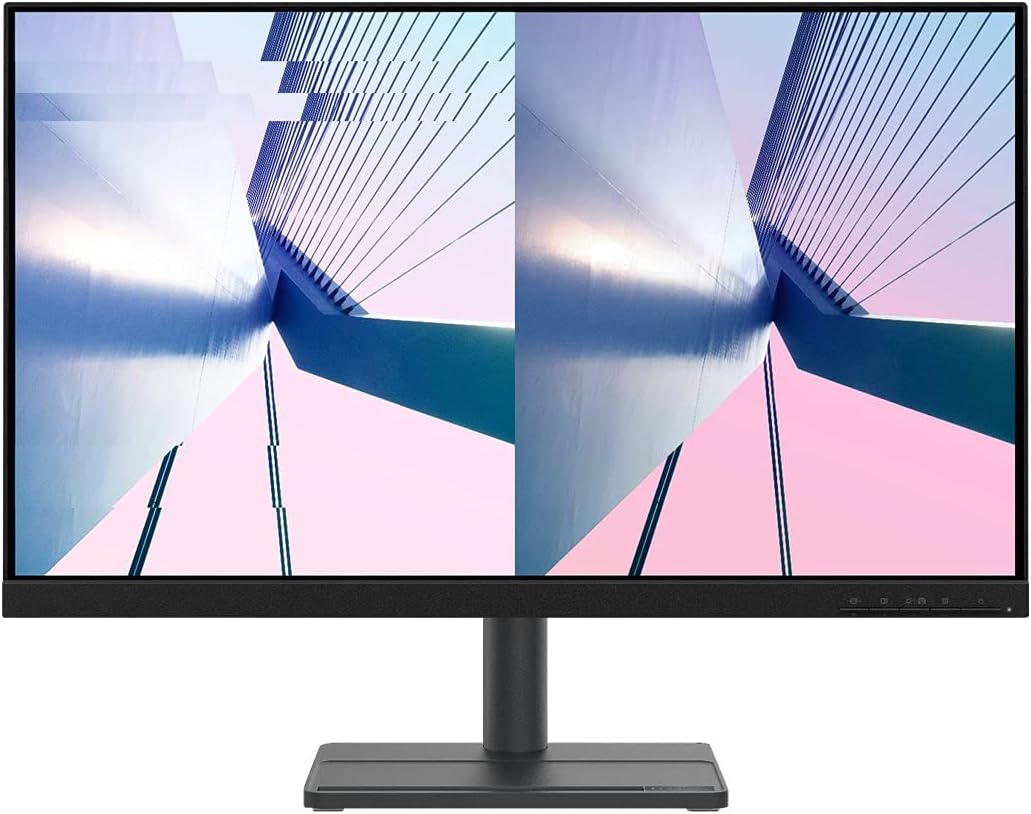
A quality monitor can improve productivity, visual clarity, comfort, and overall computing performance. The right display depends on how you work and the applications you use.
NexaTech offers monitors in different sizes, resolutions, panel technologies, refresh rates, connectivity options, and price ranges. Compare the features that matter most to you and find a monitor in Kenya suited to your setup.
Monitors are ideal for:
- Office and business productivity
- Home computing
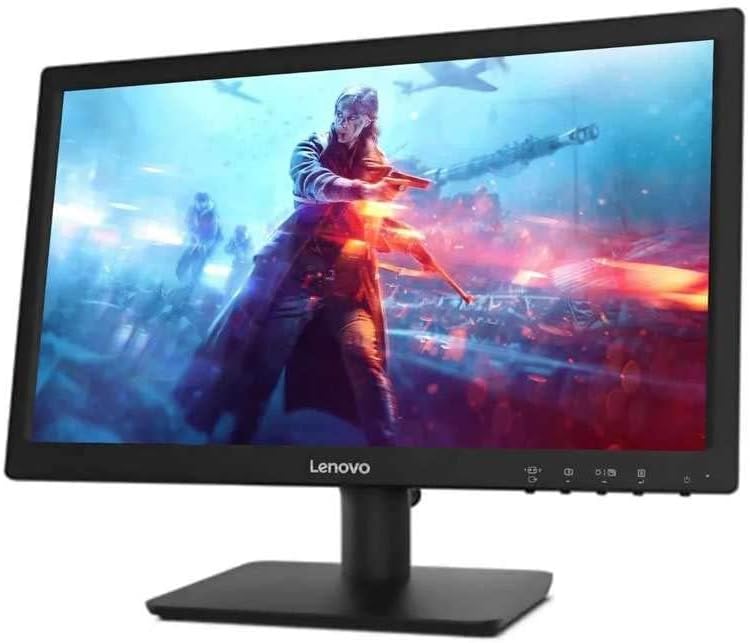
- Gaming
- Graphic design
- Photo and video editing
- Programming
- Data analysis
- Content creation
- Education
- Multi-monitor workstations
Business & Office Monitors
A reliable office monitor can make everyday tasks such as document editing, spreadsheets, email, research, and video conferencing more comfortable and productive.
When choosing a business monitor, consider:
- Screen size
- Resolution
- Ergonomics
- Connectivity
- Eye-comfort features
- Adjustable stands
- Energy efficiency
- Multi-monitor compatibility
For professionals who work with large spreadsheets, multiple applications, or extensive data, a larger display or dual-monitor setup can provide additional workspace.
Gaming Monitors
Take your gaming experience further with a dedicated gaming monitor designed for fast and responsive gameplay.
Important gaming monitor specifications include:
- High refresh rate
- Fast response time
- Resolution
- Adaptive sync technology
- Screen size
- Panel technology
- Connectivity
A higher refresh rate can provide smoother motion, while a fast response time can help reduce visible motion blur. Choose a gaming monitor based on your graphics hardware and the games you play.
Gaming monitors can also be suitable for content creation, entertainment, and other applications that benefit from a responsive display.
Professional & Creative Monitors
Photographers, graphic designers, video editors, architects, and other creative professionals can benefit from monitors designed to deliver detailed and accurate visuals.
When choosing a professional monitor, consider:
- Resolution
- Colour accuracy
- Colour gamut
- Panel technology
- Screen size
- Brightness
- Connectivity
- Ergonomic adjustment
A larger, high-resolution display can also provide additional workspace for editing timelines, design applications, spreadsheets, and other professional software.
4K & High-Resolution Monitors
A 4K monitor provides a high-resolution display that can deliver sharp text, detailed images, and greater screen real estate.
High-resolution monitors are suitable for:
- Graphic design
- Photo editing
- Video production
- Gaming
- Professional applications
- Detailed data work
- General productivity
When choosing a high-resolution display, make sure your computer or other source device can support the required resolution and refresh rate.
Ultrawide Monitors
An ultrawide monitor provides an expanded horizontal workspace, making it useful for multitasking and applications that benefit from additional screen width.
Ultrawide monitors can be particularly useful for:
- Productivity
- Financial analysis
- Video editing
- Programming
- Content creation
- Gaming
- Multi-window workflows
An ultrawide display can also reduce the need for multiple separate monitors in some setups.
Monitor Sizes and Resolutions
Monitor size and resolution should be considered together. A larger screen can provide more workspace, while higher resolution can deliver sharper images and text.
Common considerations include:
- Screen size
- Full HD resolution
- Quad HD resolution
- 4K resolution
- Aspect ratio
- Pixel density
Choose a size and resolution based on your viewing distance, available desk space, computer hardware, and intended applications.
Monitor Connectivity
Modern monitors can offer several connection options, depending on the model.
Common monitor connections include:
- HDMI
- DisplayPort
- USB-C
- USB
- VGA
- DVI
Check your computer’s available ports before purchasing a monitor. USB-C monitors can also provide convenient connectivity for compatible laptops and devices, while some models support charging and additional peripheral connections.
Multiple Monitor Setups
A dual-monitor or multi-monitor setup can significantly increase your available workspace. Multiple displays are useful for professionals who regularly work with several applications or sources of information simultaneously.
Multi-monitor setups can benefit:
- Programmers
- Traders
- Designers
- Accountants
- Content creators
- Researchers
- Business professionals
- Gamers
Consider monitor size, resolution, connectivity, desk space, and mounting options when creating a multi-display workstation.
Buy Projectors in Kenya
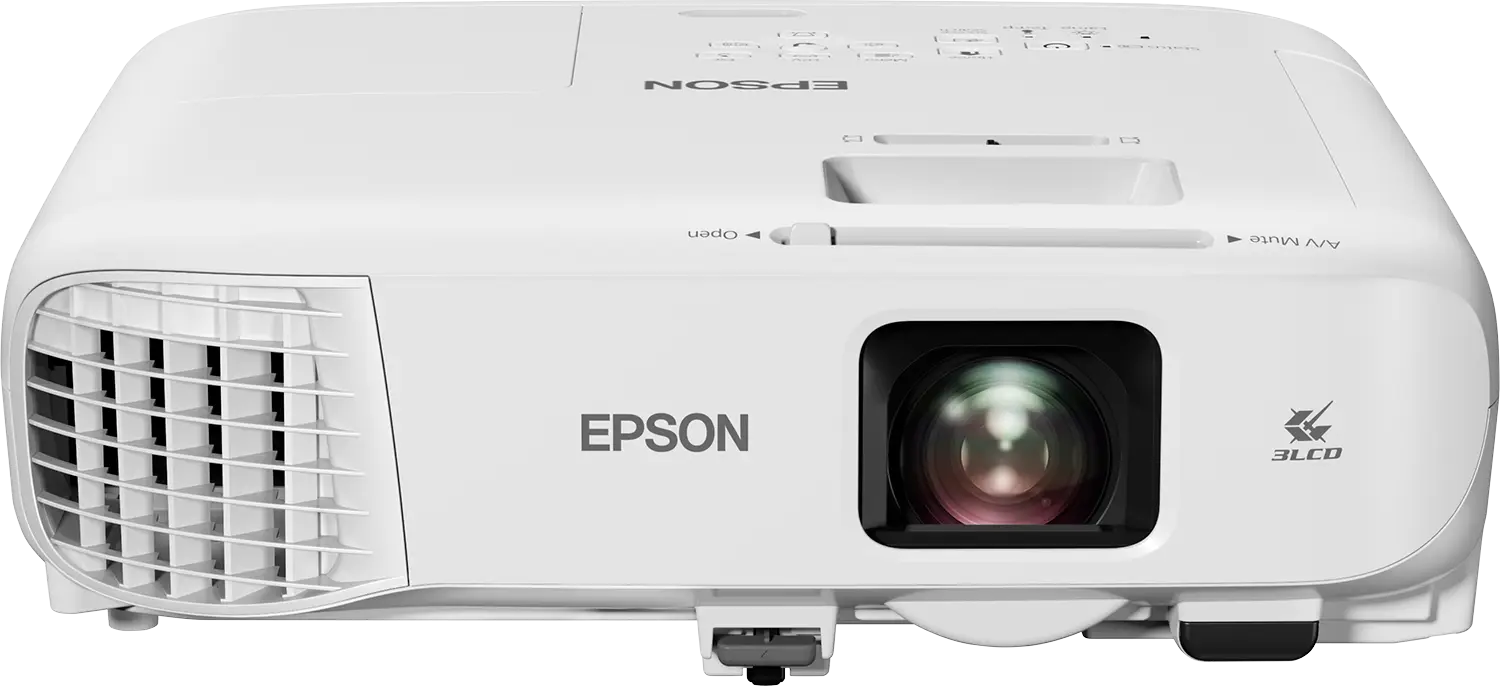
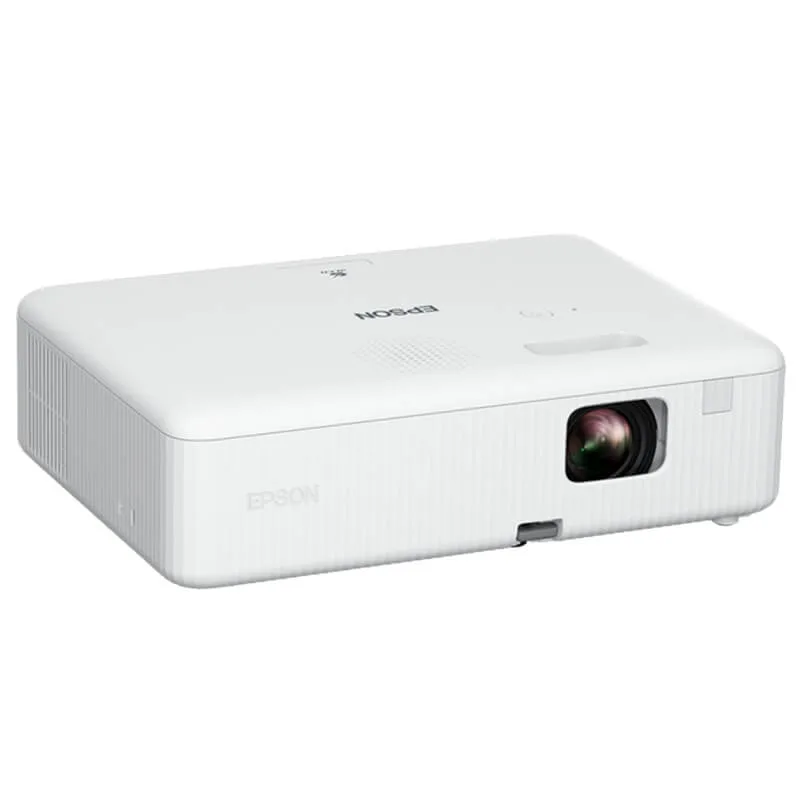
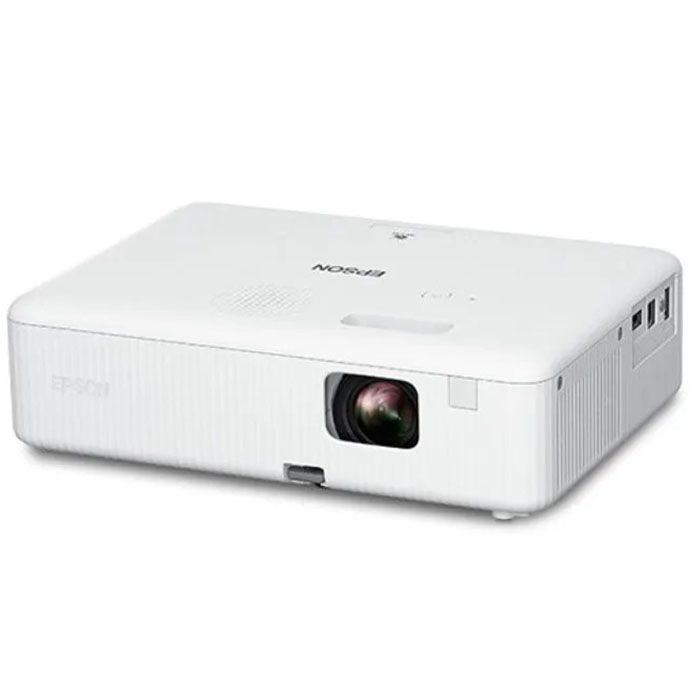
NexaTech also offers projectors in Kenya for presentations, education, business meetings, training, events, and entertainment.
A projector can turn a wall or projection screen into a large viewing area, making it useful when multiple people need to view the same content.
Business Projectors
A business projector can be used for meetings, presentations, training sessions, conferences, and corporate events.
When choosing a business projector, consider:
- Brightness
- Resolution
- Throw distance
- Connectivity
- Portability
- Screen size
- Lamp or light-source life
For conference rooms and large meeting spaces, brightness is particularly important because ambient lighting can affect image visibility.
Projectors for Schools & Education
Projectors are widely used in educational environments for lessons, presentations, training, demonstrations, and multimedia content.
A suitable school projector should provide clear images, sufficient brightness, appropriate resolution, and connectivity for the computers or other devices used by teachers and students.
Home Entertainment Projectors
Create a large-screen viewing experience with a home projector for movies, sports, gaming, and entertainment.
When choosing a projector for home use, consider:
- Image quality
- Resolution
- Brightness
- Throw distance
- Screen size
- Connectivity
- Audio options
- Room lighting
A projector can provide a flexible alternative to a conventional television when you want a significantly larger image.
How to Choose the Right Monitor or Projector
Consider Your Main Use
Start by identifying what you need the display for. Office work, gaming, graphic design, education, presentations, and home entertainment all have different requirements.
Consider Resolution
Higher resolutions can provide sharper images and more workspace. Choose a resolution that matches your computer hardware and intended use.
Consider Screen or Projection Size
For monitors, choose a screen size that fits your desk and provides sufficient workspace. For projectors, consider the available room and the viewing distance required to achieve your desired image size.
Consider Brightness
Brightness is particularly important for projectors. A projector used in a brightly lit meeting room may require a different brightness level from one used in a dark home cinema.
Consider Connectivity
Check that the monitor or projector has compatible ports for your computer, laptop, gaming console, media player, or other source device.
Monitors and Projectors from Leading Brands
NexaTech’s display category includes monitors from multiple leading technology brands, giving you the flexibility to compare products based on specifications, features, design, performance, and budget.
Brand availability and individual models may vary. Explore the current NexaTech collection to compare available monitors and projectors.
Why Shop Monitors & Projectors at NexaTech?
NexaTech offers a selection of monitors and projectors in Kenya for home, office, education, gaming, professional, and entertainment applications.
Whether you’re looking for a computer monitor, gaming monitor, 4K monitor, ultrawide monitor, business display, professional monitor, office projector, classroom projector, or home entertainment projector, you can compare available options and choose a display solution suited to your needs.
Find the Right Display in Kenya
From productive office work and competitive gaming to professional design, classroom teaching, business presentations, and home entertainment, the right display can transform your viewing and working experience.
Explore monitors and projectors at NexaTech and compare screen size, resolution, brightness, refresh rate, connectivity, and other key specifications.
Shop monitors and projectors in Kenya at NexaTech today and find the right display for your work, gaming, education, business, or entertainment needs.
Frequently Asked Questions About Monitors & Projectors
Which monitor is best for office work?
The best office monitor depends on your workload. Consider a comfortable screen size, appropriate resolution, ergonomic adjustment, connectivity, and features designed to support extended productivity.
What is the best monitor for gaming?
A good gaming monitor should offer an appropriate combination of refresh rate, response time, resolution, adaptive sync support, and screen size. Your choice should also match the capabilities of your gaming computer.
Is a 4K monitor worth it?
A 4K monitor can be worthwhile for users who need sharp images, detailed visuals, additional screen workspace, or high-resolution content. It can be particularly useful for creative work, gaming, and professional applications.
What is an ultrawide monitor?
An ultrawide monitor has a wider aspect ratio than conventional displays, providing additional horizontal workspace. It is useful for multitasking, editing, programming, gaming, and professional workflows.
How do I choose a projector?
Consider where you will use the projector, room lighting, desired image size, projection distance, resolution, brightness, connectivity, and portability. Business, education, and home entertainment applications may require different specifications.
How bright should a projector be?
The appropriate projector brightness depends on the room size, ambient lighting, screen size, and intended use. Brighter environments generally require a projector with higher brightness.
Can I connect a laptop to a projector?
Yes. Depending on the projector and laptop, you can typically connect them using HDMI, USB-C, DisplayPort with an appropriate adapter, or another supported connection.
Where can I buy monitors and projectors in Kenya?
You can shop for monitors and projectors in Kenya at NexaTech, with options for gaming, business, education, professional work, presentations, home entertainment, and everyday computing.
Showing all 13 resultsSorted by popularity